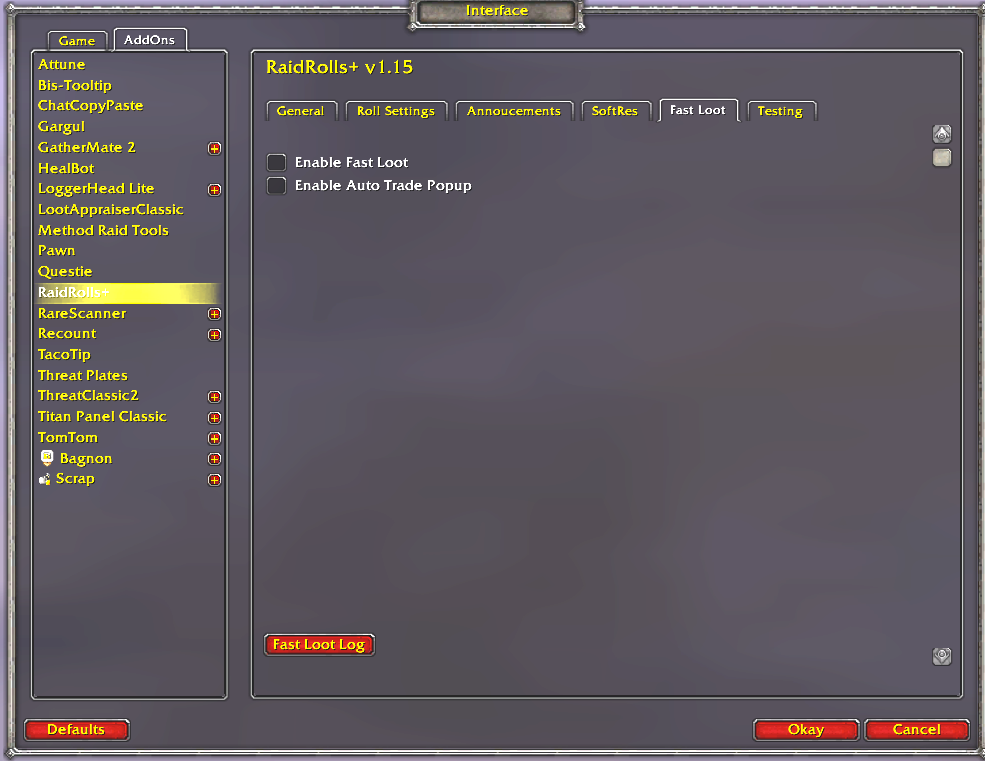
You will find the options for RaidRolls+ one of two ways.
1. In the Default Options screen –> Interface –> Addons tab.
2. Type /rr opt

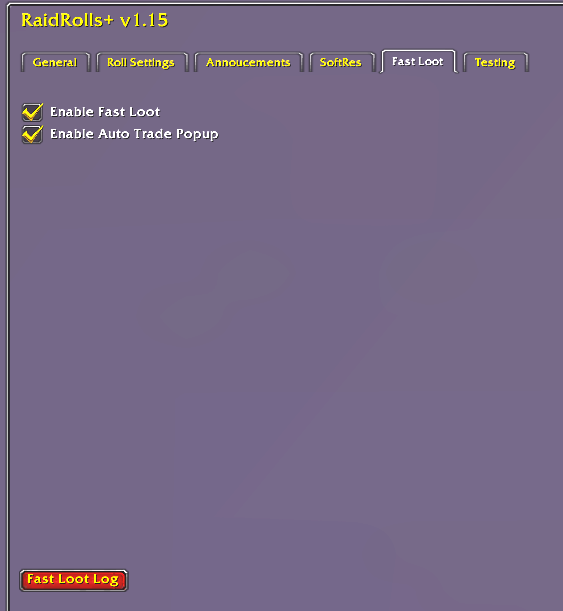
- Enable Fast Loot
- Turns on Fast Loot.
- Enable Auto Trade Popup
- As long as your winner it in trade distance, this will open up the trade window with the loot they just won. You don’t need to dig through your bags.

- Auto Activate when MasterLoot Activated
- This will pop up the Points screen when ML is activated while in a group.
- Wipe Points when group set to MasterLoot
- Wipes the point database when ML is set. Be careful, on some disconnects, when you reconnect it will wipe your database. This may be removed in the future.
- Let RaidRolls+ distribute loot
- When clicking the +1 or +2 in the rolls screen, this will send the loot to the toon you assigned points to.
- Hide Blizzard ML Screen
- Use this in conjunction with the above so you don’t have to look at the Blizz ML screen.
- Let RaidRolls+ AUTO Loot
- RaidRolls+ picks the winner at the end of the roll, distributes the loot, and adds 1 point to the player. If player is out of range a re-roll is required.
- Only allow point adjustments to Players currently in Raid
- This is an older setting that stops from adjusting points to players not in raid. Now the screen refreshes faster so this isn’t needed, but you can use when loading fake raid data.

- String to use when rolling starts
- Prepended to the loot link with this string. It will auto send when rolling begins.
- String to use when rolling end
- Prepended to the loot link with this string when rolling ends.
- Main Spec roll Range
- If set to 100 regular /roll gets picked up as a Main Spec roll
- Off Spec roll Range
- If set to “1” – “99” /roll 99 gets picked up as a Off Spec roll
- You can change the full range – setting “100” – “200” would required you to /roll 100 200
- Roll Timer
- This is the countdown that starts when you open rolls. Options for the Announce in the in Announce Tab.
- Block Rolls outside of timer
- This will block rolls unless the timer is running. A warning will be sent that the roll is ignored due to being outside of the roll timer.

- Announce ML Loot when Opening
- This will send a RW with the loot that has dropped when you open it.
- Announce MS Points @ Roll
- When someone rolls MS it will announce their current MS points, in raid chat.
- Announce OS Points @ Roll
- When someone rolls OS it will announce their current OS points, in raid chat.
- Countdown Roll Timer
- This will send the roll countdown to raid chat, based on the options set below.
- Use Raid Warning for Countdown
- This changes the countdown from raid chat to RW.
- Roll Timer – Announce every X seconds
- If this is set to 5, with a roll timer of 10, you will get an announce at 10 and 5.
- Force countdown on last X seconds
- This overrides the setting above to force the last seconds to be announced before closing the rolls.

- Enable SoftRes
- Enables the functionality which includes Announcing if someone has a drop on SR.
- Block Rolls if Player didn’t SoftRes and others did.
- If them item has any SR’s, only the players that reserved will be able to roll.
- Import
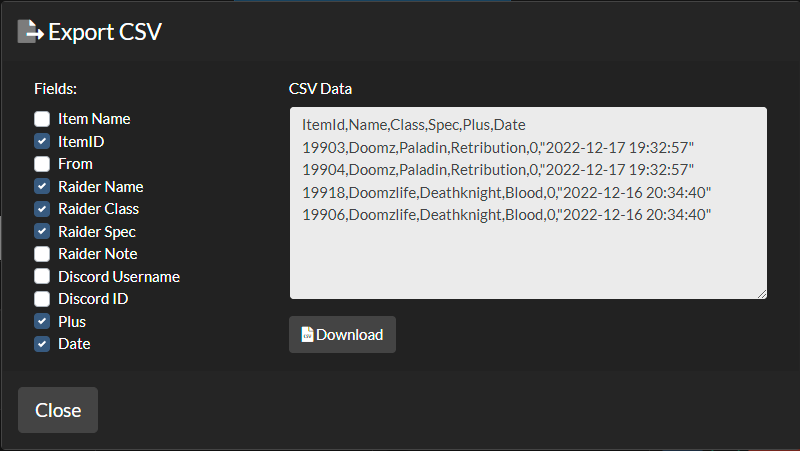
- After everyone has signed up on your https://softres.it raid, export that data to CSV.
- Unselect “Item Name”, “From”, and “Raider Note” and copy the data in the window.
- Paste the data in the options screen and click Import. It will error if you have the wrong options set on the CSV export.